 Blackcap
Features
Everything in the box.
Blackcap is one purchase, and this is what's in it. Each line links to the Docs page that explains it. The page is meant to scan in a minute; the home page tells the story.

Start
- Quick Song. One question at a time: what you've got, how it should feel, which chords. A band plays it back as a song within minutes. Sing over it, make it longer or shorter, try other keys. Docs ›
- Just Play. A beat already going, a bass line and keys to play over it, a band if you want one. Keep That takes the last four bars you played (hold for two or eight). Turn into a Song makes a song from what you kept. Docs ›
- Record an Idea. From Siri, the Action button, Control Center, a long press on the icon, or the ⋯ menu. Straight to recording, saved in Song Ideas. Docs ›
- Song Ideas. Words, a hum, a riff, keys, a beat or chords, each kept on its own. Turn into a Song when it's ready; a riff's chords and key are heard and written in. Docs ›
- 27 starter songs across pop and rock, hip-hop, soul and funk, electronic, jazz and blues, folk and country, and island styles, each a full song to learn from or build on. Docs ›
- Make a Song Like One You Love. Play Blackcap a song and get an original backing track with the same feel: tempo, beat, chords. Nothing of the recording is kept. Docs ›
- Bring in from another app. Audio you exported elsewhere, or a MIDI file, onto tracks, pads and Keys. Docs ›
Write
- Chords and lyrics, word by word. Verse, chorus, bridge; a chord sits over the word you sing it on. Docs ›
- Chords by feeling, or your own. Pick a key and hear it, tap a feeling and hear the progression in your song, or tap a bar and a chord. Names or numbers, in any key. Docs ›
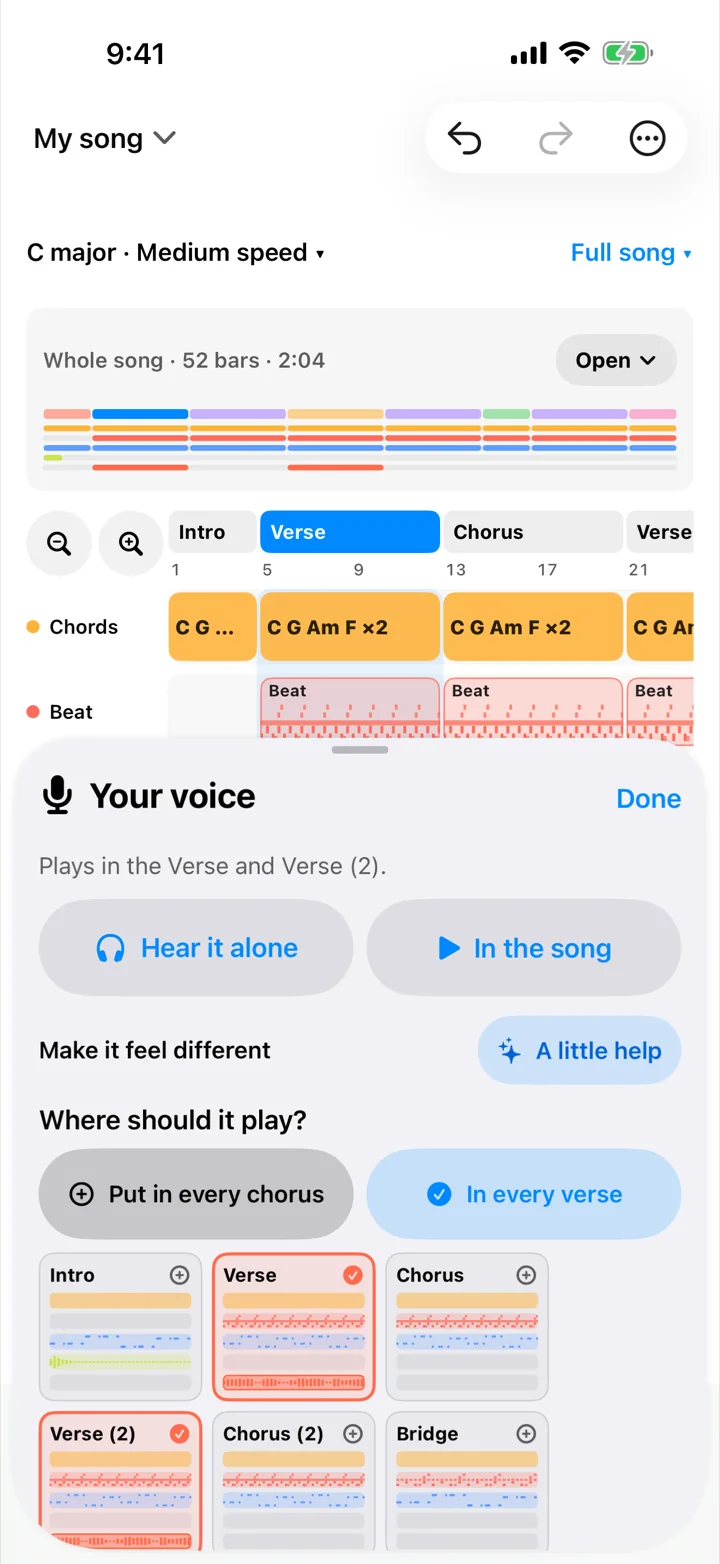
- A chorus that lifts. Chorus chords paired with your verse: start somewhere new, brighter, more feeling, one surprise chord, bigger slower chords. A busier beat for every chorus in one tap. Docs ›
- Lyrics from singing. Sing the words and they're written down under the bars you sang them in, on your device. Docs ›
- ✦ A little help. Say how a part should feel; get a change to try, what it does, why it works, and how to do it yourself. Docs ›
- A band behind you, in 85 styles: softer in the verse, fuller in the chorus, fills into every new part. Docs ›
- Song sheet PDF for the band: chords above words, part by part, with the key and tempo. Docs ›
- Transpose the whole song up or down; chords follow in letters or numbers.
Instruments and beats
- Recorded instruments: grand and upright pianos, classic and reed electric pianos, organs, acoustic and nylon guitars, electric and upright bass, strings, cello, solo violin, harp, marimba, xylophone, vibraphone, glockenspiel, tubular bells, harmonica, ukulele, accordion, steel drum. Docs ›
- Synths you can shape: big mono basses and leads, vintage polys, dual-layer sounds that open as you press harder, six-operator FM, a theremin, and a sound designer with a mod matrix and macros. Docs ›
- Hum a melody or a bass line into notes, in your key and on the beat. Docs ›
- Chords, strips and a piano roll. Your key's chords as pads, each chord as a strip you play up and down, or notes on a grid with quantize, humanize and legato. Write a bass line from your chords in one tap. Docs ›
- An arpeggiator, scale lock, and a highlighter for any scale or mode over your key.
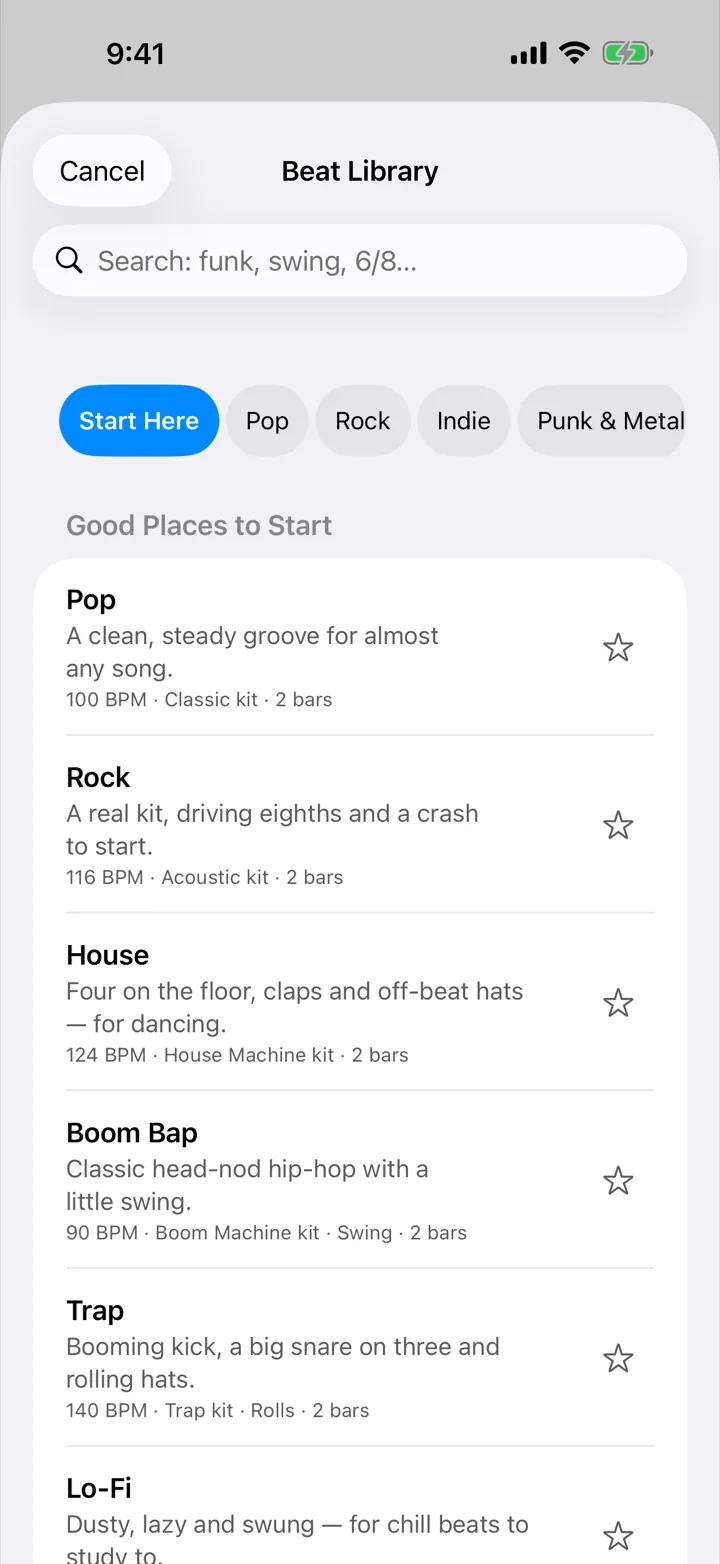
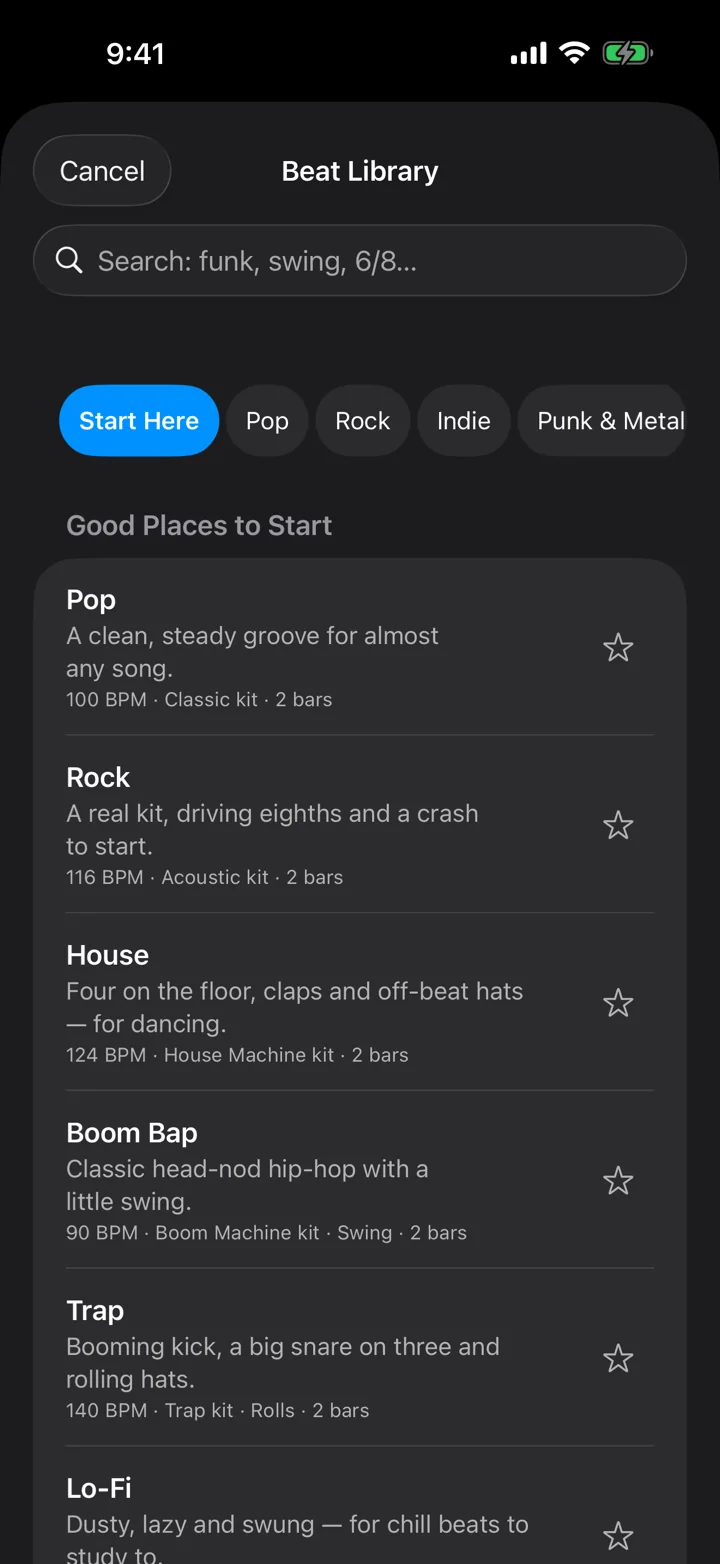
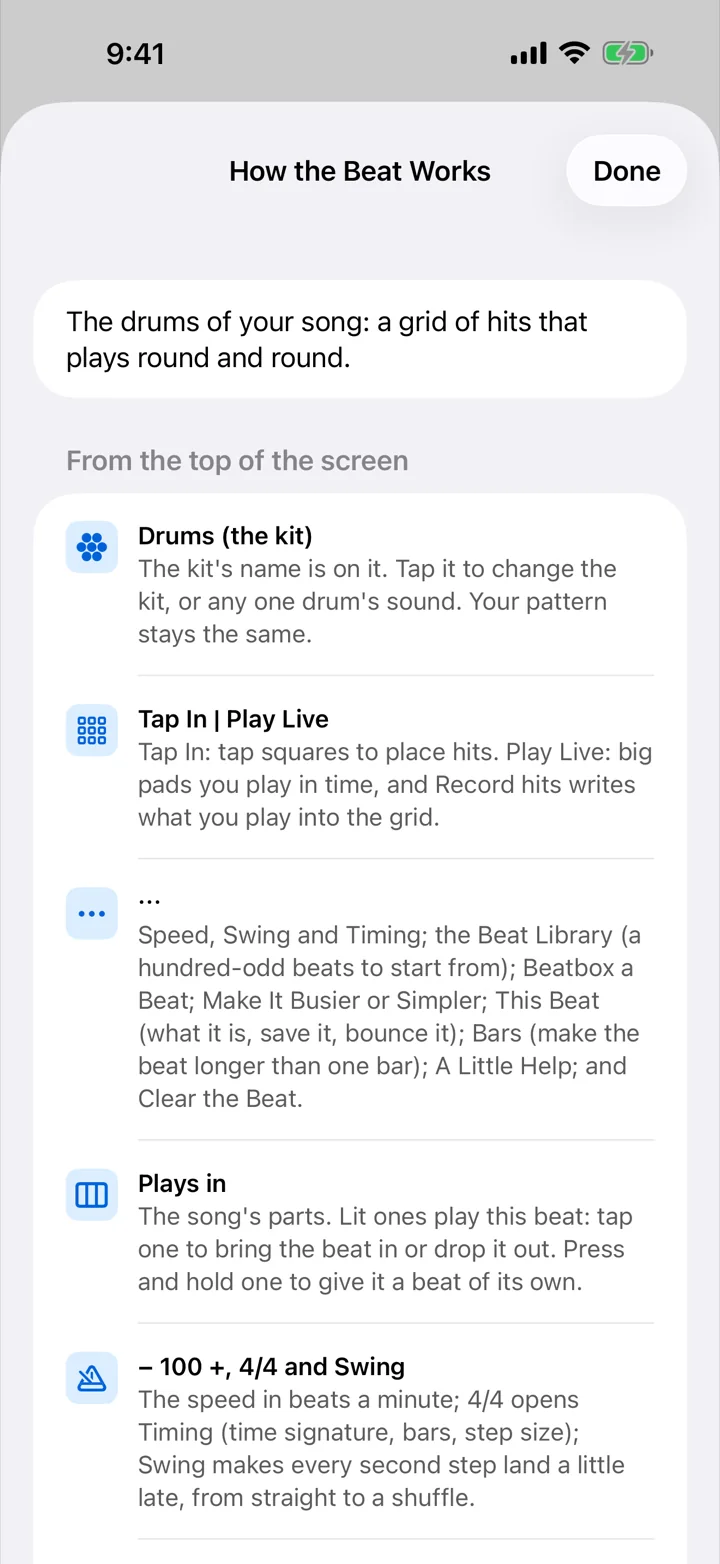
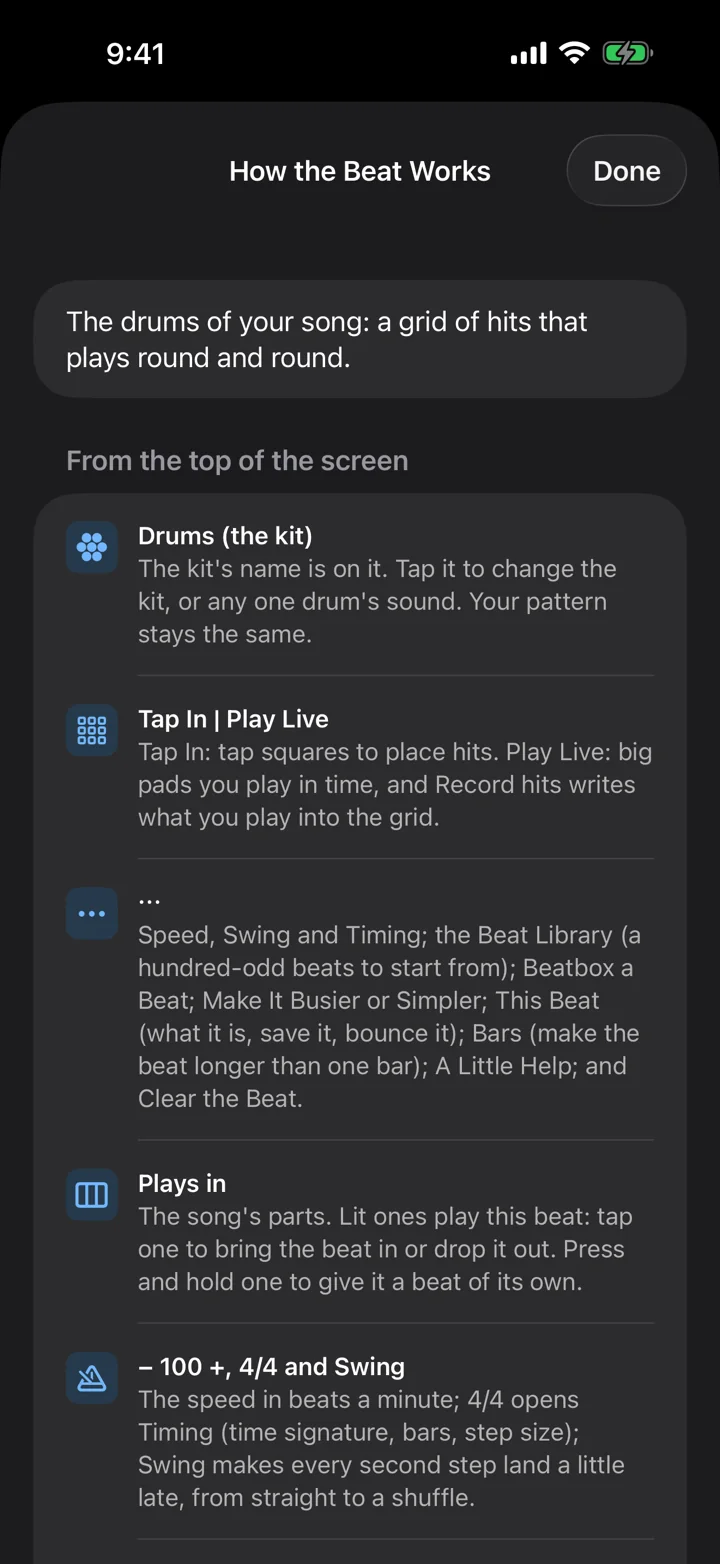
- 108 beats in 23 styles, each with a bigger chorus version, intros and fills; favorites and My Beats. Docs ›
- Tap in a beat on a 16-step grid or on pads; a pattern per drum in one tap; swing and human feel; a different beat per part; fills at the end of a part. Docs ›
- Beatbox a Beat into the mic and it's written onto the grid. Docs ›
- Ten kits, recorded and drum machine, up to 16 drum rows, any row playing a sound of your own. Docs ›
- A 16-pad sampler: record, import, chop at the hits, reverse, tune, lock a loop to the beat, hold to repeat, choke groups, Find a Sound, starter kits. Docs ›
- Audio Unit instruments, effects and MIDI effects from other developers. Docs ›
Record
- Vocals with your words and chords following along as you sing; music quieter, click only, or off. Docs ›
- Guitar and bass through 16 built-in amps and 10 cabinets, or your own cabinet impulse response. Hear Yourself with very little delay. Takes are recorded clean, so you can change the amp later. Docs ›
- Stereo from an audio interface, and your choice of which inputs to record. Docs ›
- Up to 32 recordings in a song. Docs ›
- Takes, punch-in and comping. Record again over a part, keep every take, choose the one that plays, mix and match.
- A count-in before every take; the recording drawn as it lands, in the lane where it belongs. Docs ›
- Keep, redo, tune, harmonize, clean up. Pitch correction from natural to tight, a harmony a third or a fifth above, room noise and hiss cleaned up. Docs ›
- The Scratch Pad: set a take aside and keep it with the song without it being in the song. Docs ›
Mix and finish
- Mix It for Me balances everything by what it is: kick, snare, bass, voice. Docs ›
- 20 effects, on any instrument, drum or recording: EQ, compressor, gate, de-esser, drives and fuzz, tape, chorus, phaser, tremolo, rotary speaker, delays, reverbs. A shared room and a shared echo for the whole song. Docs ›
- Level meters, a master fader, duck one part under another, volume lines drawn across the song.
- Mastering styles (warm, bright, punchy, loud) with a loudness meter, before and after. Docs ›
- Finish keeps a version. Finish & Share makes the finished mix and keeps it; finish again any time for version 2. Keep songs in folders. Docs ›
Works with your gear
- MIDI keyboards and pads over USB or Bluetooth: velocity, sustain, pitch bend, mod wheel, aftertouch, and knobs that shape the sound (Learn any knob). Keys and pads can play different parts at once. Docs ›
- Pads on the right drum: standard drum notes, pads in order, groovebox-style, or teach it by hitting a pad.
- MIDI clock in and out, by cable or over Wi-Fi, starting mid-song too. Play other devices: send the drums, Keys or the chords to a synth or groovebox.
- Audio interfaces: choose inputs; stereo takes; low-latency monitoring.
- Audio Unit plug-ins: instruments, effects (including amp sims and pedals) and MIDI effects, on instruments, drums and recordings, with delay compensation. Docs ›
Levels and accessibility
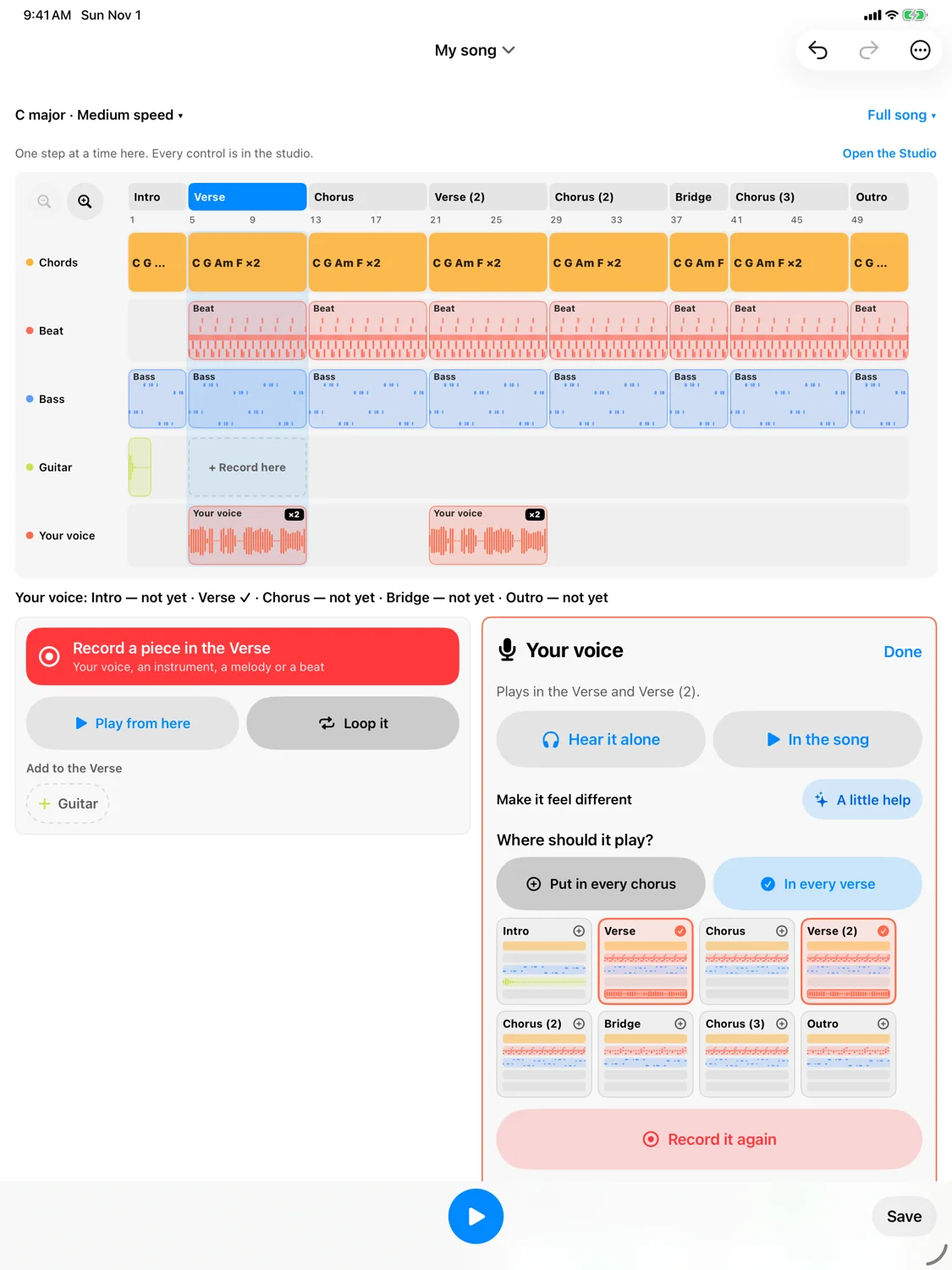
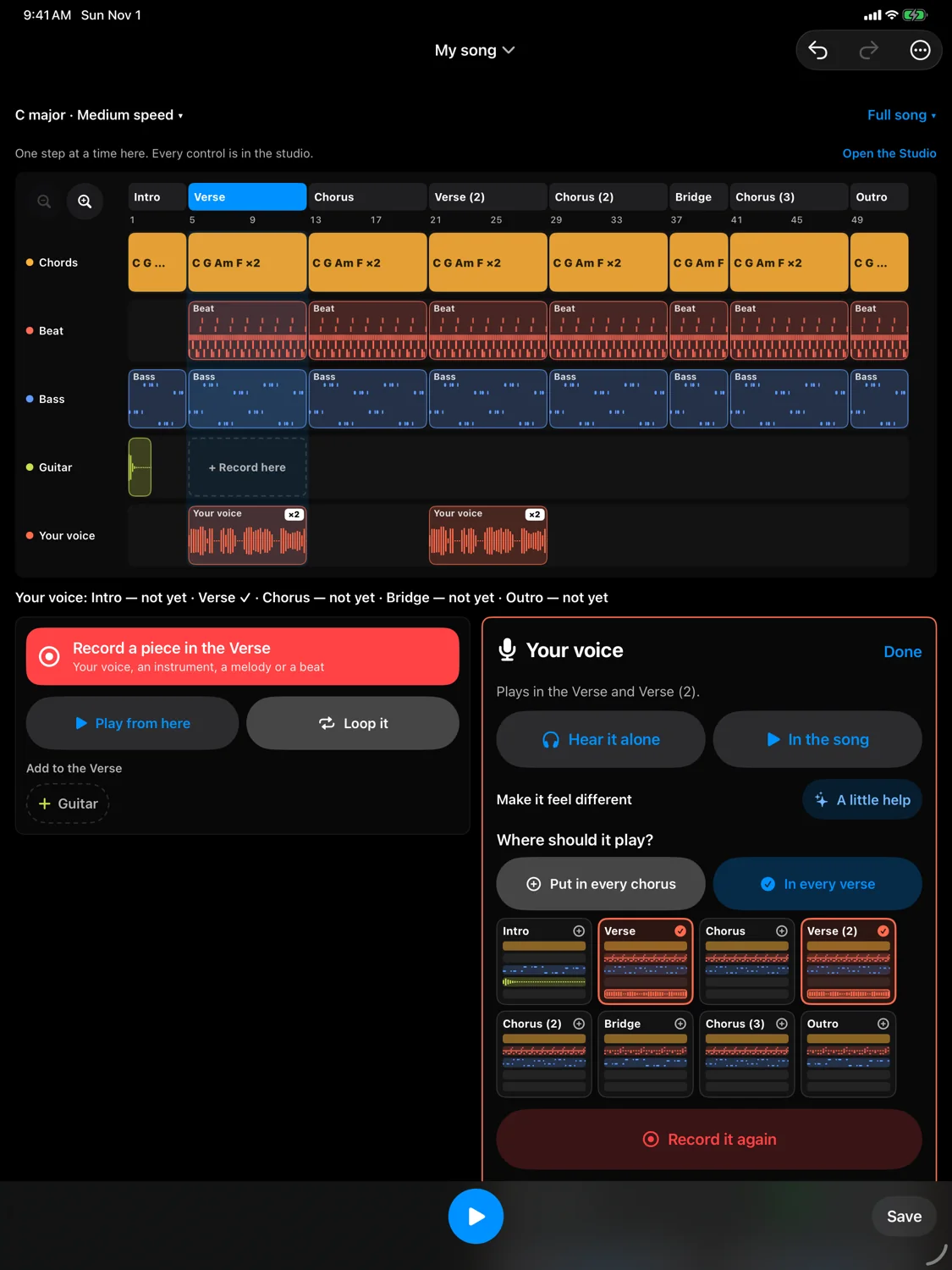
- Beginner, Intermediate, Pro. Beginner shows your song as lanes with one decision per screen; Intermediate shows every screen with the everyday controls; Pro shows everything. Same song, same features at every level. Docs ›
- A "?" on every screen walks through its controls; 47 Help articles and 13 songwriting lessons in the app and here. Docs ›
- VoiceOver on every screen; play and stop with a two-finger double-tap; beats read out bar by bar; keys played by direct touch; a tuner that says "in tune".
- Larger text, Increase Contrast, Reduce Motion and Differentiate Without Color respected.
- Learn: a tuner, scales and chords for guitar, bass, ukulele, mandolin, banjo, violin and piano, brass and woodwind fingerings, music theory, 50+ progressions, and daily practice tools. Docs ›
iPhone and iPad
- One purchase covers both.
- iPad layouts use the whole screen, upright and sideways: lanes across, keys the full width, a mixing desk.
- iCloud sync through your own iCloud Drive; songs also in Files. Everything works offline.
- Privacy: no account, no data collected. Docs ›
New in 1.2
- Just Play: a beat already going, play over it, Keep That, Turn into a Song.
- Calmer screens: one main thing on each, and pages hold still while the song plays.
- A "?" on every screen.
- Hear a sound, or try a beat style, before choosing it. A beat at another speed asks before changing yours.
- Fix a note right after you play a take in.
- Recording a piece opens ready: press Record and you're counted in.
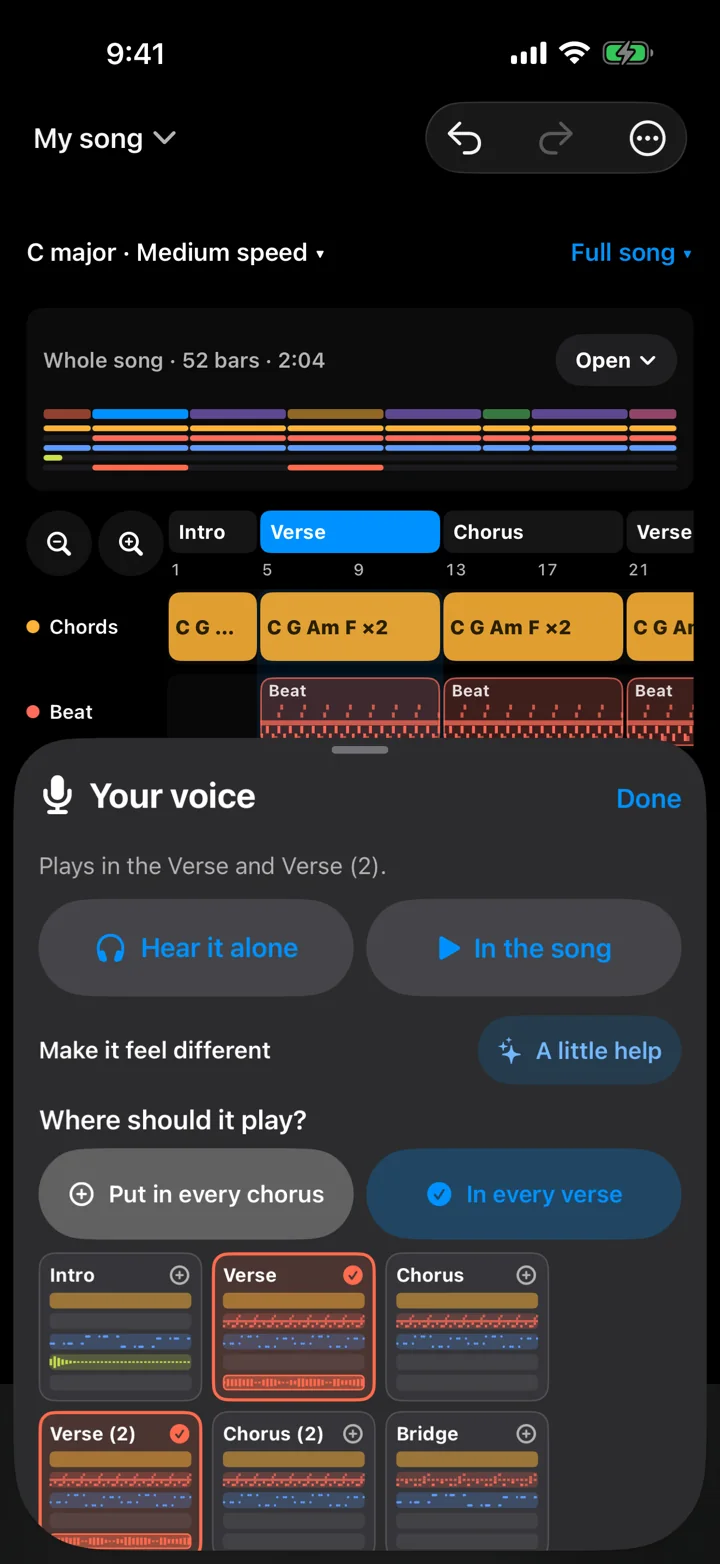
- Add a melody to the chorus and it plays in every chorus.
- iPad layouts that use the whole screen.
All of it, one purchase.
One purchase. No subscription, no ads, no account. Works offline.