 Blackcap
You think in chords and words. So does Blackcap.
You don't want to build a beat before you can sing. You want the chorus in your head down, the words under the chords, something playing behind you while you find the second verse, and a demo you're not embarrassed to send. Blackcap starts with the song.

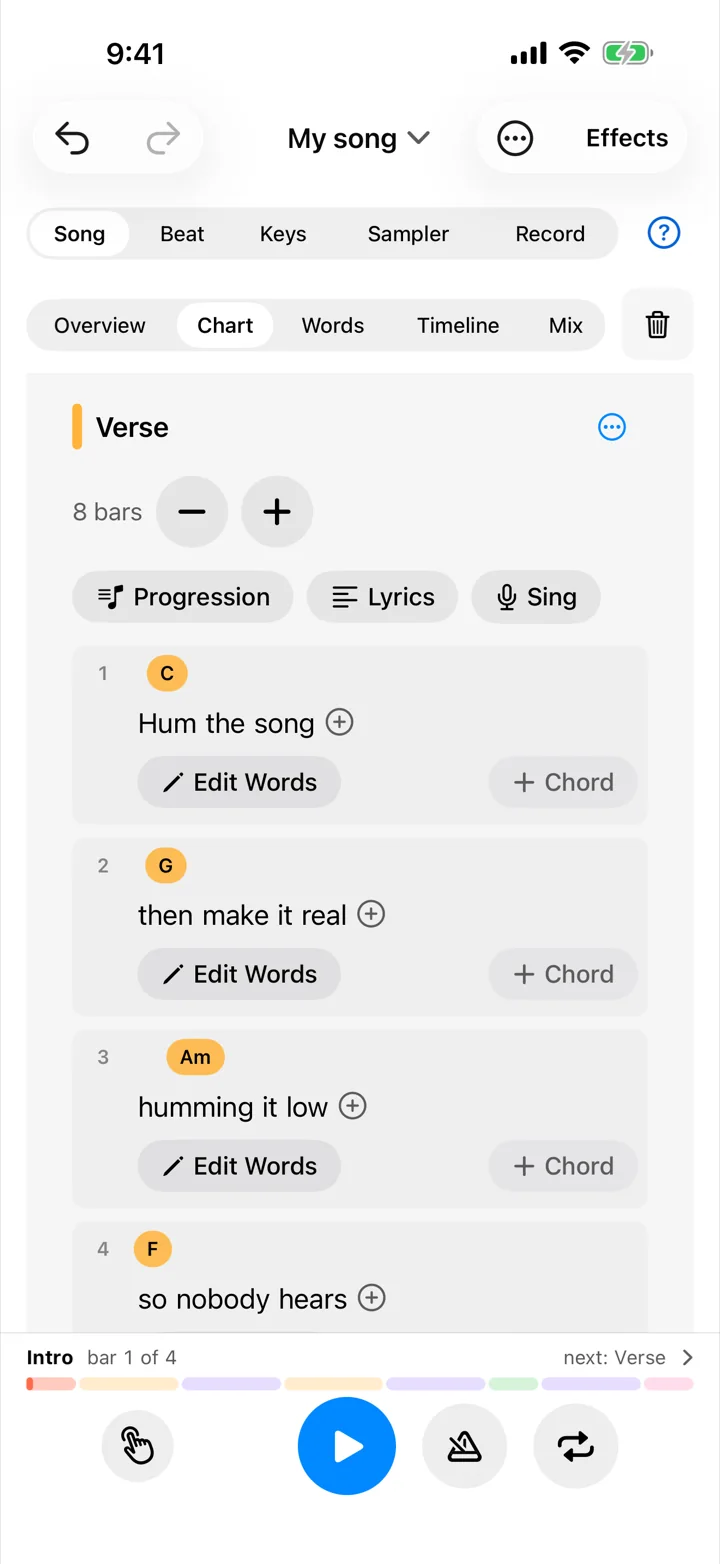
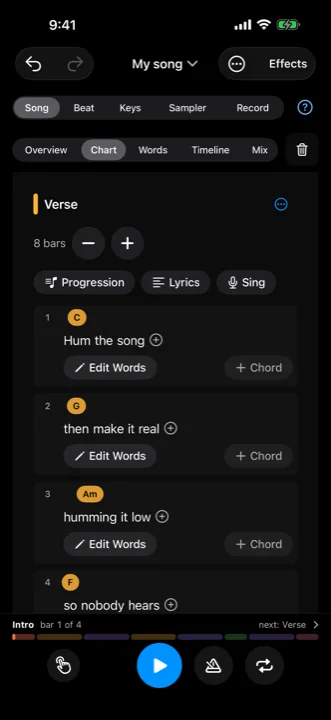
Chords over the words you sing them on.
Type or paste your lyrics, and lay them out as parts: verse, chorus, bridge. Tap a word to put a chord on it. Drag a chord to another word and it moves to that beat. See chords as letters or as numbers (Am F C G, or vi IV I V), so the same song reads right in any key. Transpose the whole song up or down and every chord follows.
Letters for the band, numbers for you. Either way, they stay lined up.
Pick chords by how they feel.
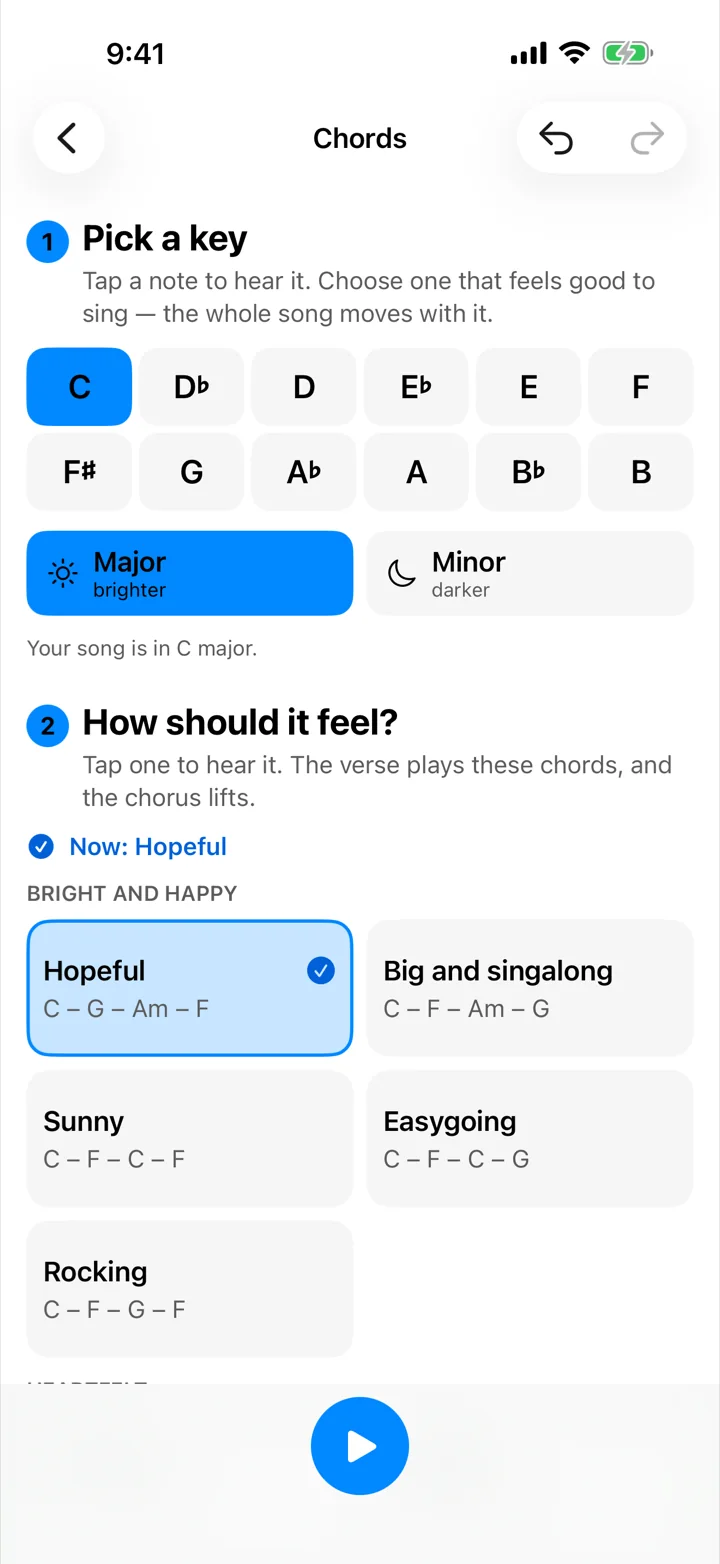
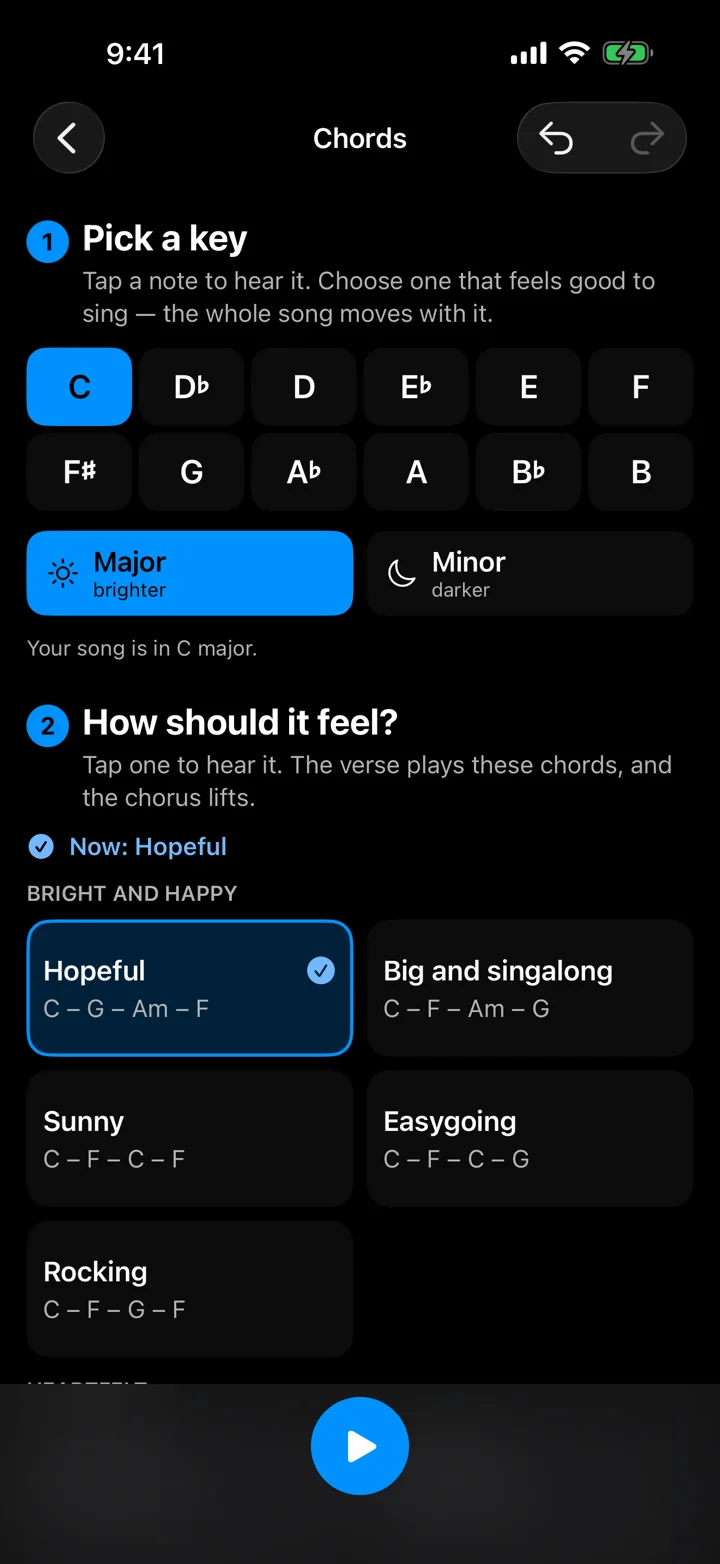
Pick a key and hear it. Then tap a feeling (big and singalong, brooding, smoky and jazzy) and hear that progression in your song, or pick your own: tap a bar, then one of the key's seven chords, each with a word for what it does. Home. Lift. Pull home. When the chorus needs to lift, Blackcap offers chorus chords paired with your verse, from the simplest change to one surprise chord.
Write with a band in the room.
Add a band and it plays your chords: drums, bass, keys, guitar and a pad, in 85 styles. Softer in the verse, fuller in the chorus, a fill into every new part. Change a chord and it follows. Leave a player out and play that part yourself. When the song is done, the band's players are there as their own tracks.
Sing first, write it down after.
Turn on Turn My Singing into Lyrics, sing the take, and Blackcap writes down the words under the bars you sang them in. It's a first draft to edit on the chart, recognized on your device and never sent anywhere. Fills only the bars without words, and you can undo it.
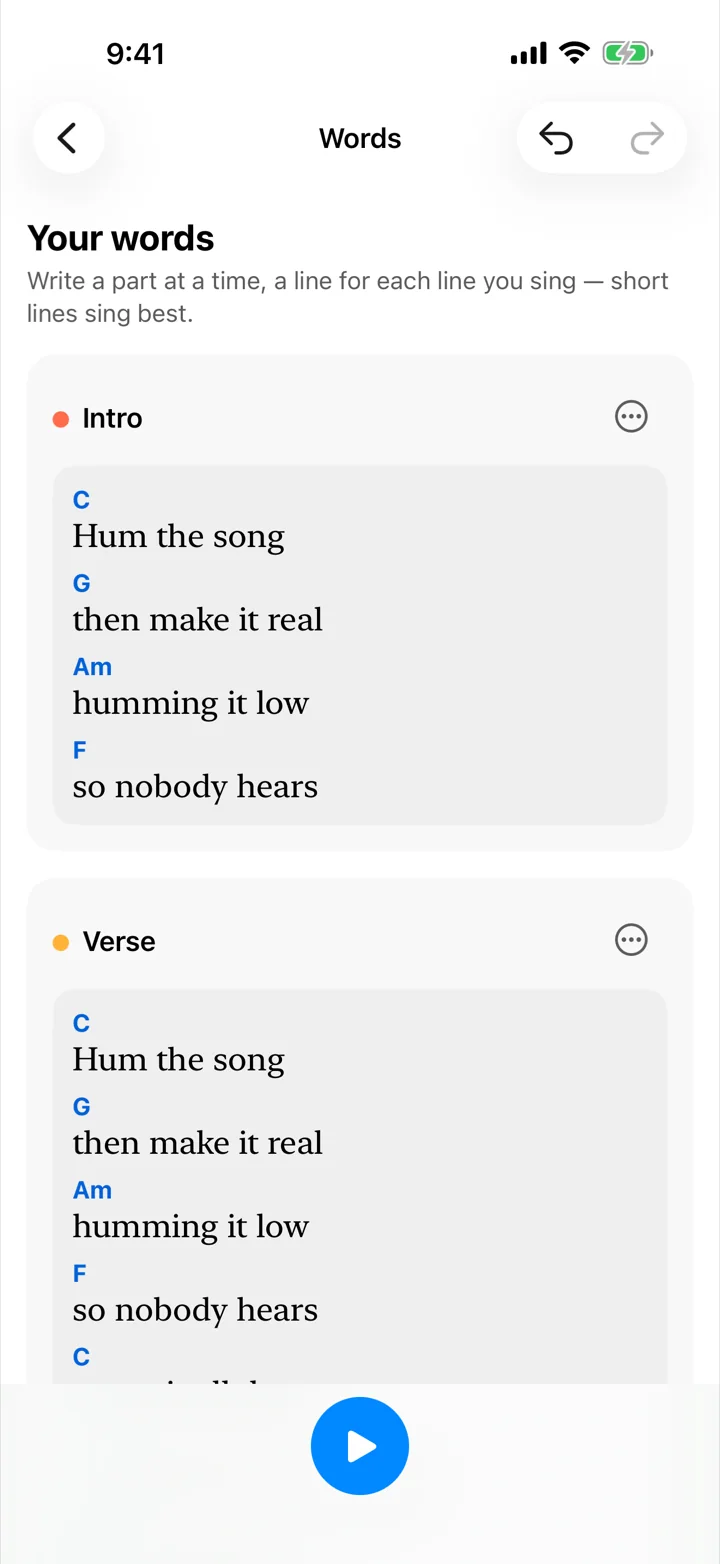
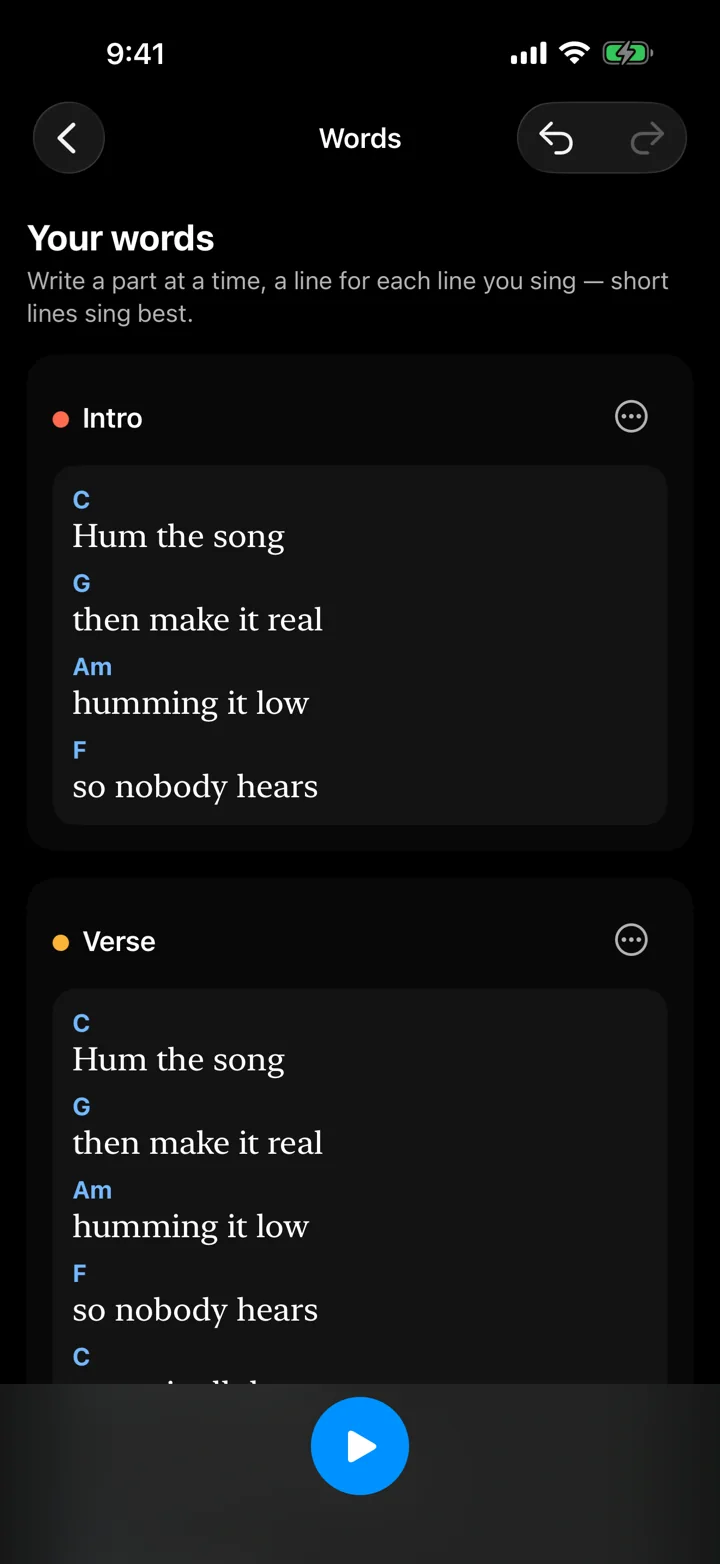
Sing it, and the words follow along.
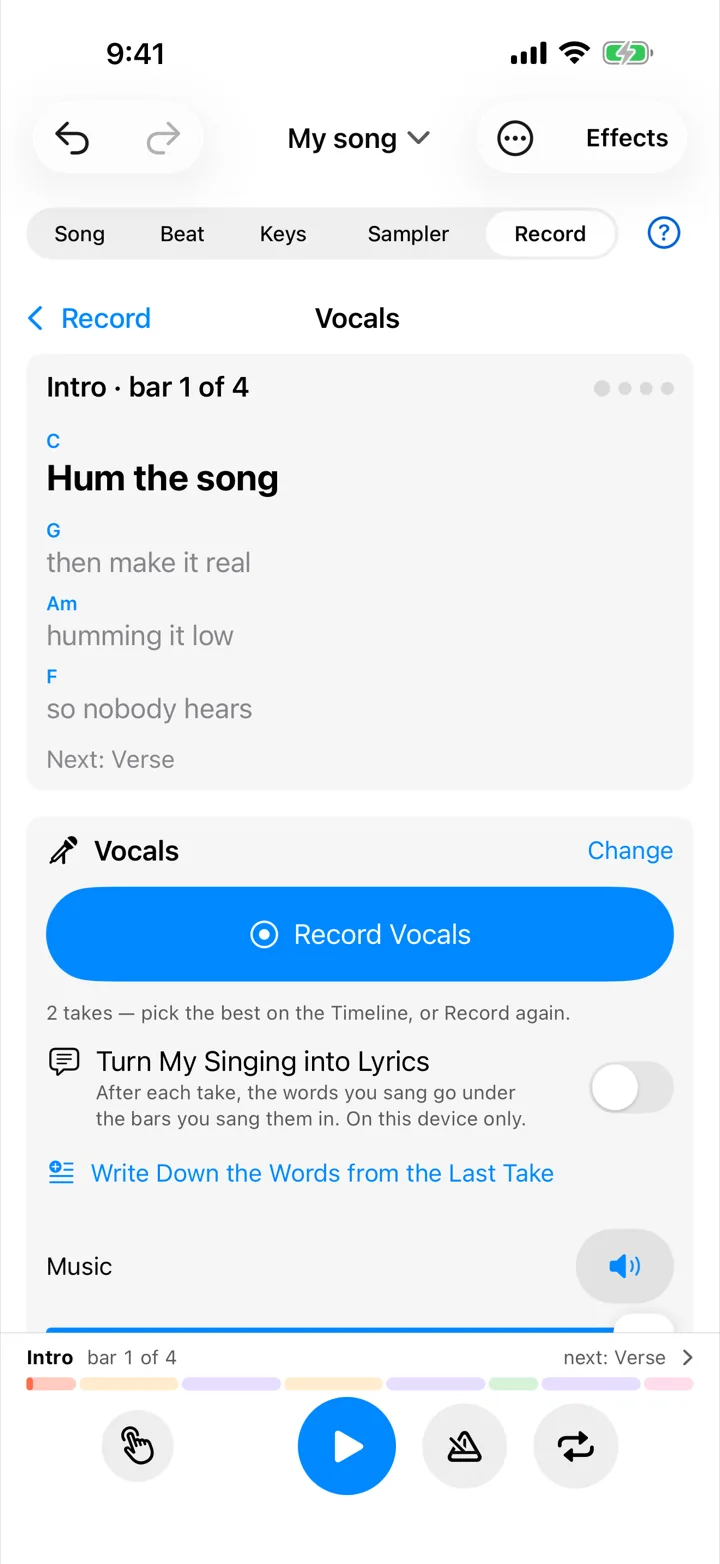
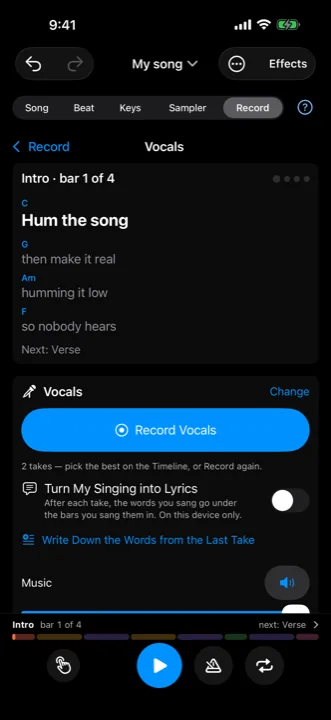
On the Vocals page your lyrics scroll as you sing, chords above them, the next part coming up. A count-in gets you ready. Keep the music at full, turn it down, or sing to just a click. After the take, hear it alone or in the song, then keep it, redo it, or tune it gently toward the notes of your key. Add a harmony a third above. Clean up room noise and hiss. Up to 32 recordings in a song, so every verse can have its own take.
Catch the idea before it goes.
Say "Hey Siri, record an idea in Blackcap" and you're recording. Or press the Action button, or tap the icon. The take waits in Song Ideas. When you're ready, Turn into a Song: for a riff, Blackcap listens for its chords and key and writes them in. Or put the idea straight into a part of a song you're already writing.
A song sheet to hand round.
Share a Song Sheet (PDF): your chords above your words, part by part, with the key and tempo. Or share the demo, a lossless WAV, or every part as its own file plus MIDI for whoever's producing it.
When you want to know why.
Thirteen songwriting lessons live in the app and here: the shape of a song, how chords feel, pairing chorus chords with your verse, melody and hooks, show-don't-tell lyrics, rhymes that sing well, choosing a key for your voice, and finishing. Each ends with something to try in your own song.
Start with the chorus in your head.
Blackcap for iPhone and iPad. One purchase. No subscription, no ads, no account. Works offline.